Dark web monitoring explained: how leaked data reaches criminal markets, what data loss prevention does, and a simple 5-step protection plan for SMEs.
Picture a bookkeeper at a 40-person accounting firm. Years ago, she signed up for a fitness app using her work email and the same password she still uses for her inbox. The app gets breached. No one tells her, and honestly, she wouldn’t have noticed the email anywaay. Fast forward two years: that email and password pair sits in a text file on a criminal forum, bundled with a few million others, and someone feeds the whole list into automated login attempts against every business portal they can find.
This isn’t a rare, movie-style hack. It’s the ordinary way business data ends up in the wrong hands, and most small and mid-sized companies only find out when something goes wrong. In this guide, we’ll walk through how leaked data actually travels from a breach to a marketplace,
what dark web monitoring can and can’t do for you, why traditional protection has a blind spot in the age of AI chatbots, and a simple five-step plan you can start this week.
You don’t need a security background to follow along. If you can read a bank statement, you can read this.How Data Ends Up on the Dark Web
Before we talk about tools, it helps to understand the journey. Leaked data doesn’t just vanish into the internet. It follows a fairly predictable path, and once you see it, a lot of security advice makes more sense.
It Usually Starts With a Breach or a Mistake
Most leaks begin in boring ways. A third-party service you use gets hacked. An employee falls for a convincing phishing email. A laptop gets infected with an info-stealer, a type of malware that quietly grabs saved passwords, browser cookies and session tokens. Sometimes, there’s no attacker at all: a cloud storage bucket is left open to the public, or a spreadsheet full of customer details is emailed to the wrong person.
The numbers back this up. Verizon’s annual Data Breach Investigations Report has consistently found that the human element, meaning errors, stolen credentials, and social engineering, is involved in most breaches. And IBM’s Cost of a Data Breach Report put the global average cost of a breach at roughly 4.4 million US dollars in its 2025 edition. For a large enterprise, that’s painful. For a small business, it can be existential.
From Stolen Records to Sold Bundles
Once criminals have data, the next question is how to turn it into money. A single stolen login isn’t worth much, so the data gets packaged. You’ll hear terms like “combo lists,” which are huge files of email and password pairs, and “logs,” which are the raw output of infostealer malware, often containing every password saved in a victim’s browser along with active session cookies. Other bundles contain customer records, payroll data, medical details, or scanned ID documents.
These bundles get sorted, cleaned, and tagged. A list of credentials from a bank’s customers sells at a different price than a list from a gaming forum. Buyers want data they can actually use, so sellers often advertise how recent it is and how many accounts still work.
The Marketplaces and the Buyers
This is where the “dark web” comes in. It’s the part of the internet reachable only through special software like Tor, where sites aren’t indexed by Google and operators can hide their identity. Criminals use hidden forums, marketplaces, and, increasingly, private messaging channels on regular apps to advertise and sell stolen data. Some of it is sold outright. Some is traded. Plenty is eventually dumped for free once it has lost its value to the original thieves.
The buyers are varied. Some are fraudsters who want to drain accounts or open credit lines. Others are ransomware crews who purchase “access” to a company network from a specialist known as an initial access broker, then move in and lock everything up. A leaked password today can become a ransom note six weeks from now. That gap between the leak and the damage is exactly the window where monitoring can help.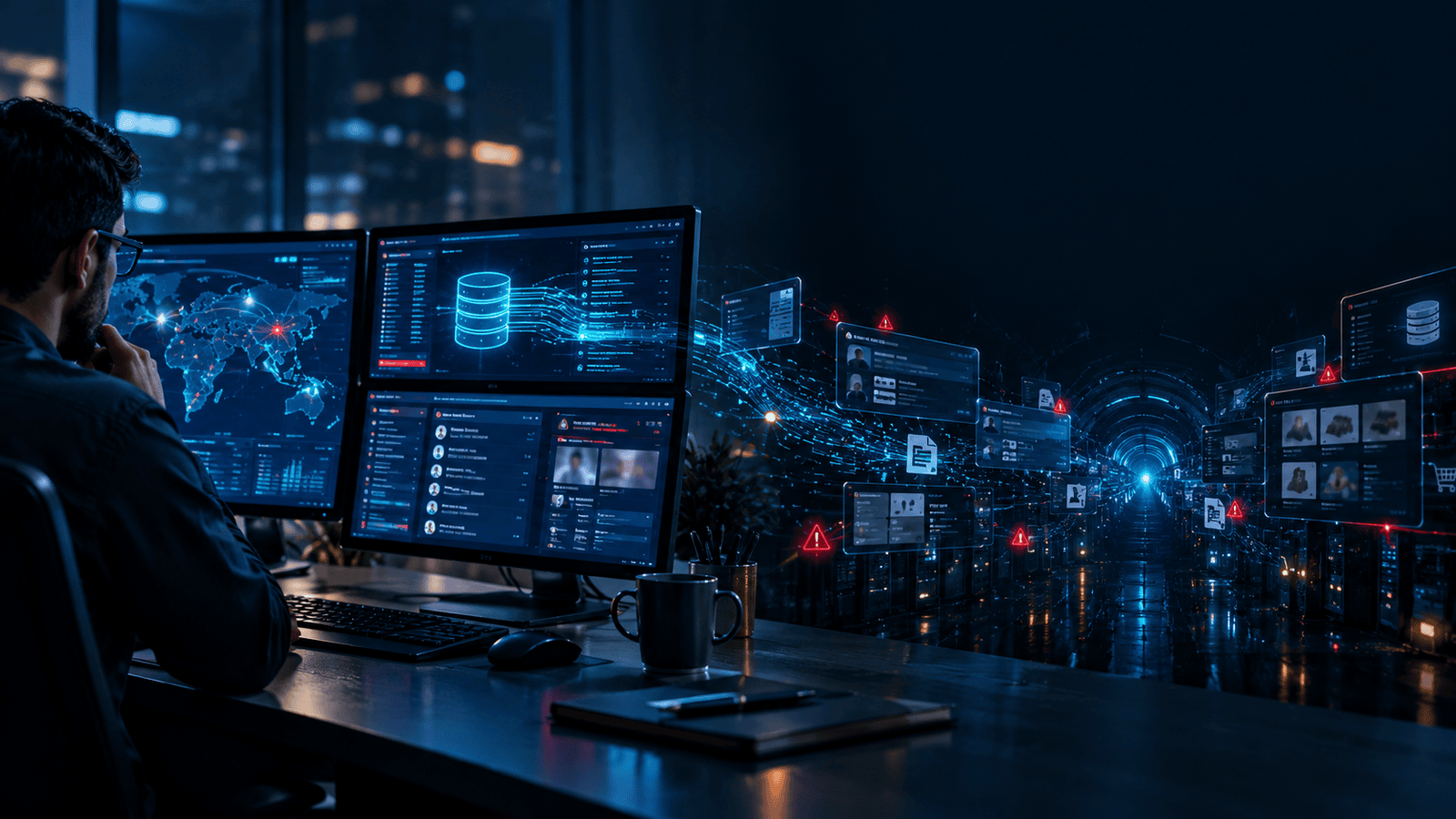
What Dark Web Monitoring Actually Does (and Doesn’t)
Let’s be straightforward about this because the marketing around security tools can get a bit breathless. Dark web monitoring is a service that scans criminal forums, marketplaces, paste sites, leaked databases, and similar sources for information connected to you, such as your company domain, employee email addresses, credentials, or other identifiers you ask it to watch. When it finds a match, it alerts you so you can act.
What It Does Well
Its biggest strength is early warning. If an employee’s work email and password appear in a fresh combo list, you can force a password reset and review that account’s activity before anyone uses it against you. It also helps you spot which third-party breaches are affecting your people, which is something you’d rarely learn otherwise. And when it covers infostealer logs, it can reveal that a specific device has been compromised, which is a much more serious finding than a recycled password.
Good monitoring also saves time. Nobody on a small IT team has the hours (or the appetite) to browse criminal forums manually. Automated tools do the digging and filter the noise down to alerts that are relevant to your organisation. If you want to see what this looks like in practice, the dark web monitoring tools we offer are a useful reference point for the type of coverage to look for.
What It Doesn’t Do
Here’s the part many vendors skip. Dark web monitoring cannot remove your data from the dark web. Once it’s out, it’s out, and no service can pull it back. It also can’t guarantee it sees everything because many criminal channels are invite-only or short-lived. And it can’t stop a leak from happening in the first place. It tells you after the fact that something has already escaped.
Think of it as a smoke detector. It’s valuable, and you’d be foolish to go without one, but it doesn’t prevent the fire. For prevention, you need something that works on the inside of your business, which brings us to data loss prevention.
What Is Data Loss Prevention?
If you’re asking “what is data loss prevention?”, here’s the plain version. Data loss prevention, usually shortened to DLP, is a set of tools and policies that identify sensitive information inside your organisation and stop it from leaving in ways it shouldn’t. That could be an employee emailing a customer database to a personal address, uploading a confidential contract to a free file-sharing site, copying files to a USB stick, or syncing work folders to a private cloud account.
Modern DLP works by recognising what the data is, not just where it sits. It can detect patterns like credit card numbers, national ID numbers, health records, or source code, and then apply rules: warn the user, block the action, encrypt the file, or quietly log it for review. Older DLP products were heavy, expensive and mostly aimed at big companies with dedicated security teams. Cloud-based DLP has changed that, making it far more realistic for smaller businesses. You can read more about how this works in the cloud DLP and data loss prevention overview.
If dark web monitoring tells you what has already leaked, DLP is about reducing what leaks in the first place. They solve opposite halves of the same problem, which is why treating them as alternatives is a mistake.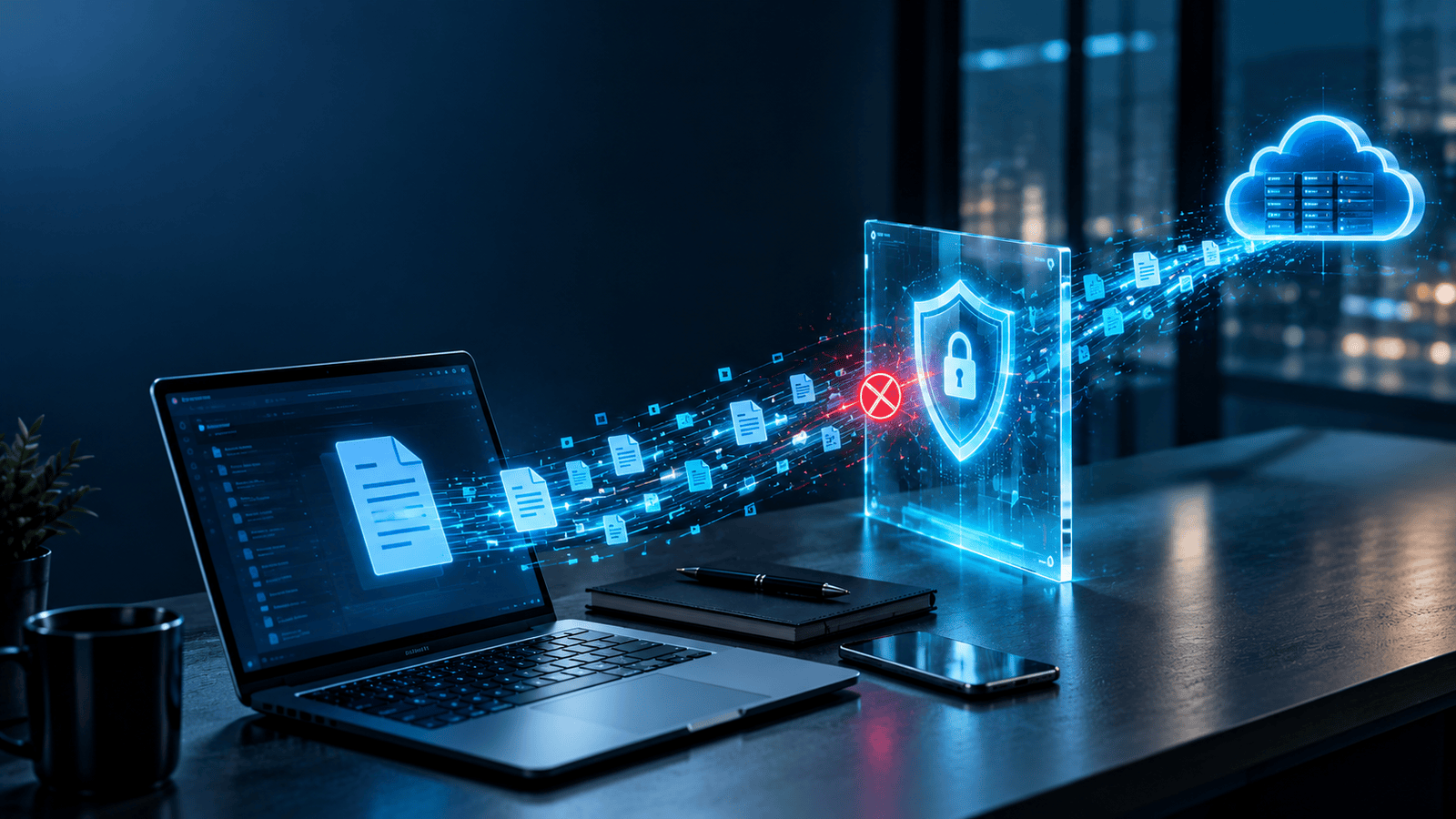
DLP in the AI Era: The Copy-Paste Gap
Here’s where things get interesting and a little uncomfortable. Most traditional DLP was built for a world of email attachments, file shares and USB drives. Then, almost overnight, employees started pasting things into AI chatbots.
Think about how people actually use tools like ChatGPT, Gemini, or Copilot. Someone needs to summarise a long contract, so they paste the whole thing in. A developer hits a bug and drops in a chunk of proprietary code. A sales manager asks for help cleaning up a customer list. Nobody is being malicious. They’re trying to work faster. But each of those actions sends company data to a third-party service, often through a personal account that the business can’t see or control.
A Real-World Wake-Up Call
What GenAI Data Loss Prevention Looks Like
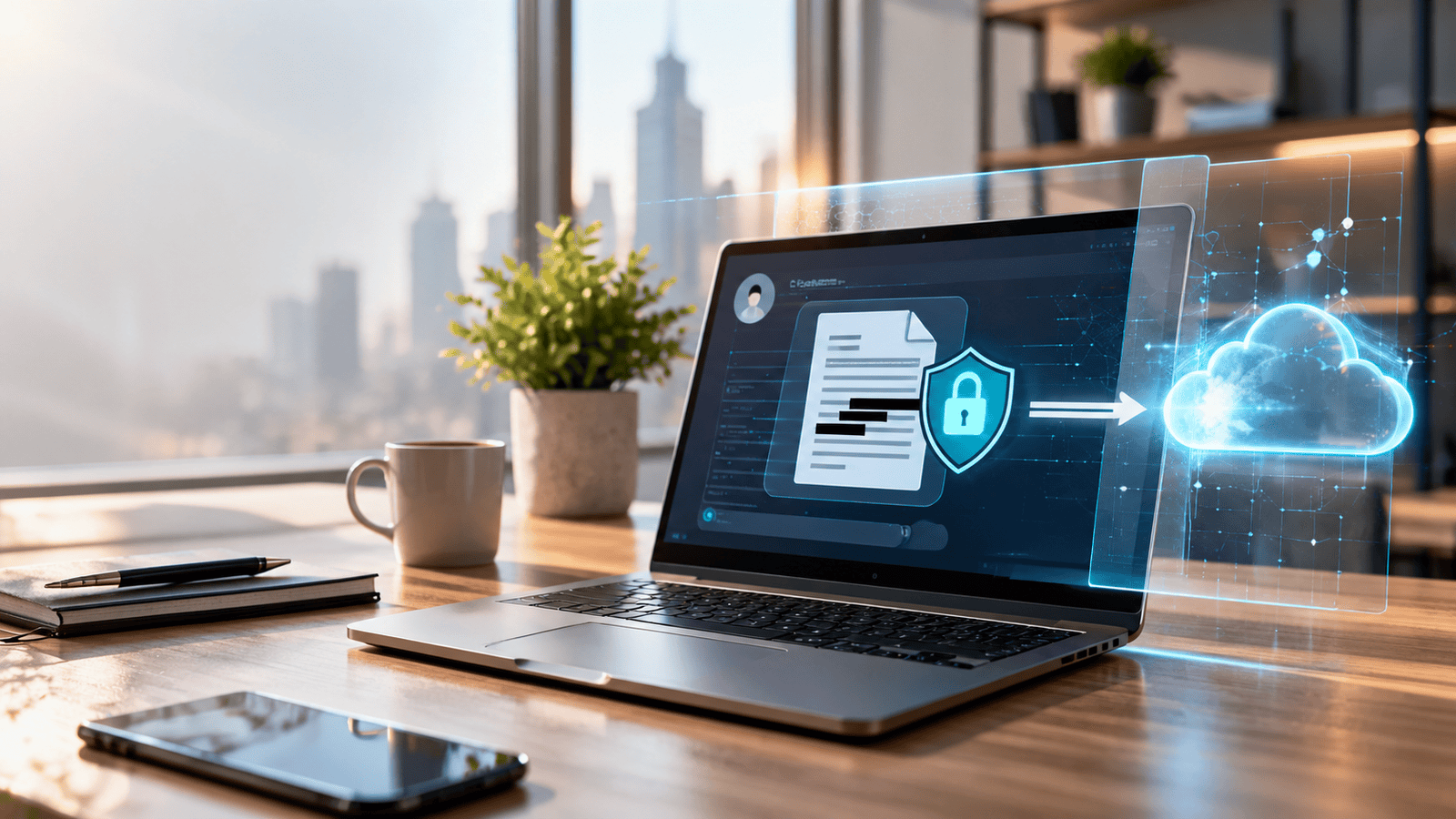
This is the problem that GenAI data loss prevention is designed to solve. Instead of just watching files, it monitors what employees type, paste, or upload into AI tools, checks it against your sensitivity rules, and then takes action. Depending on how you set it up, that might mean showing a warning, redacting the sensitive part before it’s sent, blocking the prompt altogether, or allowing approved AI tools while restricting unapproved ones.
The goal isn’t to ban AI. Banning it rarely works because people simply move to their phones. The goal is to let your team use these tools productively while making sure client records, financial data, and trade secrets don’t quietly walk out the door. A solid cloud DLP setup should treat AI chat tools as just another channel to protect, alongside email, cloud storage and removable media.Why Small and Mid-Sized Businesses Need Both
There’s a persistent myth that attackers only go after big names. In reality, smaller companies are attractive precisely because their defences tend to be lighter. Attackers often use automation, so they don’t pick targets by hand. They test leaked credentials at scale and see what opens. Your size doesn’t protect you; your preparation does.
There’s also the supply chain angle. If you handle data for larger clients, you’re a potential way into their systems, and many enterprise customers now ask suppliers detailed security questions before signing contracts. Being able to say you monitor for leaked credentials and control how sensitive data moves is a genuine selling point, not just a compliance checkbox.
Two Real-Life Lessons Worth Remembering
The Colonial Pipeline attack (2021). The ransomware attack that disrupted fuel supply across the eastern United States was widely reported to have started with a single compromised password for a legacy VPN account. Reports also noted that the password had appeared in a batch of leaked credentials, and the account reportedly lacked multi-factor authentication. Whether monitoring would have caught that exact password, the lesson is clear: a leaked credential sitting unnoticed can become a very expensive problem.
The Honest Pros and Cons
On the positive side, dark web monitoring gives you fast alerts, helps you prioritise password resets, and shows you which breaches are touching your people. DLP gives you control, helps with regulatory obligations like GDPR or India’s Digital Personal Data Protection Act, and builds an audit trail you can show to clients or regulators. Together, they reduce both the chance of a leak and the damage if one happens.
A Simple 5-Step Data Protection Starter Plan
If all this feels like a lot, take a breath. You don’t need to do everything at once. Here’s a practical order of attack that works well for smaller teams.
Step 1: Find Out What You Actually Have
You can’t protect what you haven’t identified. Spend an afternoon listing where your sensitive data lives: customer records, financial files, employee information, contracts, source code, and credentials. Note which systems hold them and who has access. It won’t be perfect, and that’s okay. A rough map beats no map every time.
Step 2: Lock Down the Basics
Turn on multi-factor authentication everywhere it’s available, starting with email, remote access, and admin accounts. Roll out a password manager so people stop reusing passwords. These two moves alone neutralise a large share of credential-based attacks, including many that start with leaked logins. The Cybersecurity and Infrastructure Security Agency publishes free, plain-language guidance if you need something to share with staff.
Step 3: Start Monitoring for Leaks
Set up dark web monitoring for your company domain and key employee addresses. You can also run a quick manual check on individual emails using Have I Been Pwned, which is a respected free resource. Decide in advance what happens when an alert fires: who gets notified, how fast the password gets reset, and who checks the account for suspicious activity. An alert nobody acts on is just noise.
Step 4: Put DLP Guardrails in Place
Start with the channels where leaks are most likely: email, cloud storage, USB devices, and web uploads. Begin in “monitor only” mode so you can see what’s happening without disrupting work, then move to warnings and blocking for your most sensitive data types once you’re confident the rules make sense. Make sure your approach covers AI tools too, since that’s where the copy-paste gap lives.
Step 5: Write a Short AI Policy and Train Your People
Keep it simple: which AI tools are approved, what types of data must never be pasted into them, and who to ask if someone isn’t sure. Then talk about it in plain language, ideally with real examples. People follow rules they understand. Run a short refresher every few months because tools and habits change quickly. Then review your monitoring alerts and DLP reports once a month, adjust, and repeat.
Key Takeaways
- Leaked data follows a pattern: breach, bundle, then sale on dark web markets and forums, where it’s often bought by ransomware crews and fraudsters.
- Dark web monitoring gives early warning of exposed credentials and records, but it cannot delete data or prevent leaks.
- Data loss prevention (DLP) controls how sensitive information leaves your organisation through email, cloud, devices and browsers.
- Employees pasting data into AI chatbots is a growing blind spot, and GenAI data loss prevention is built to close it.
- SMEs are not too small to be targeted, and combining monitoring with DLP covers both what has leaked and what could leak next.
- Start small: map your data, enable MFA, monitor for leaks, add DLP guardrails and set a simple AI policy.
Frequently Asked Questions
What is dark web monitoring?
Dark web monitoring is a service that continuously scans hidden forums, criminal marketplaces, paste sites and leaked databases for your organisation’s information, such as email addresses, passwords and other sensitive records. If it finds a match, it alerts you so you can reset credentials, investigate affected accounts and reduce the risk of fraud or a follow-up attack. It detects exposure; it doesn’t remove data or stop leaks.
What is data loss prevention (DLP)?
Data loss prevention is a combination of software and policy that identifies sensitive data, such as customer details, financial records or intellectual property, and controls how it moves. It can warn, block or encrypt when someone tries to send that data somewhere risky, whether by email, USB drive, cloud upload or browser. The aim is to prevent accidental and intentional leaks before the data leaves your environment.
Can DLP stop data going into ChatGPT?
It can, provided the DLP solution is built to inspect browser activity and AI tool usage. Older tools that only scan files and email often miss text pasted into a chatbot. Modern cloud DLP with GenAI controls can detect sensitive content in prompts and uploads, then warn the user, redact the sensitive part or block the submission. No tool is perfect, so pair it with a clear policy and staff training.
Is dark web monitoring enough on its own?
No. Monitoring is reactive, meaning it alerts you after data has already been exposed. It works best alongside preventive measures like DLP, multi-factor authentication and employee awareness, so you reduce leaks as well as detect them.
How often should a small business review these tools?
A monthly check of monitoring alerts and DLP reports is a sensible rhythm for most small teams, with a deeper policy review every quarter or after any significant change, like adopting a new AI tool or onboarding a major client.Ready to find out what’s already exposed and stop the next leak? Visit delphiinfo.com to get started.